


Insights / AI / Edge AI
Edge AI Hardware: How to Choose Compute for an Onboard AI Device
How we choose between an MCU, a host processor with an NPU and a GPU module for an AI device: start from the model, then the frame rate, then how often the model will change.

The short answer
Edge AI hardware is the compute that runs a machine learning model on the device itself instead of in the cloud. In practice there are four options: a microcontroller (sometimes the ML core inside a sensor), a Linux host processor, a host processor with an external NPU accelerator, and a GPU module. Choose by model size first: small models on sensor data fit an MCU, vision models such as YOLO detection need a host processor and often an NPU, depending on the frame rate you need, and a GPU pays off when the algorithm will keep changing or several models must run at once.
Key takeaways
- Start from the model, not the chip: its size decides the hardware class before any datasheet does.
- Small models on IMU data, such as fall detection, can run on an MCU or even inside the sensor.
- Vision models need a Linux host, and an external NPU when the host alone cannot reach the frame rate you need.
- A GPU module is worth its power when the algorithm will keep changing or several models run at once.
- Compare performance per watt on your own model; the fastest board is not always the right one for a battery-powered system.
What edge AI hardware is
- Edge AI hardware
- Edge AI hardware is the processor, accelerator or sensor that runs a trained machine learning model on the device itself, so the device can decide without sending data to the cloud first.
Most guides to edge AI hardware are chip lists sorted by peak performance. That is the wrong place to start. A chip list tells you what is fast; it does not tell you what your device needs. In our projects the choice falls out of three questions, asked in a fixed order: how big is the model, how many frames or samples per second must it handle, and how often will the model change after launch.
If you need the broader picture first, how edge processing compares with the cloud, we covered it in edge computing and IoT. This article is about the hardware decision itself.
Start from the model, not the chip
I start with model size. If we are looking at fall detection or motion activity classification based on IMU data, we should be fine with an MCU, as long as there is enough flash and RAM. For more substantial inference on the edge, such as YOLO detection, it is either a Linux host processor or a host processor plus an external NPU, depending on the required frame rate. A GPU is the choice if we expect to keep adjusting the algorithm, or we plan to run several models.
Those three sentences cover most of the decisions we make. The order matters. Model size rules out whole classes of hardware at once, so it comes first. Frame rate then decides between a host processor alone and a host with an accelerator. The last question, how stable the algorithm is, is the one teams most often skip, and it is the one that decides whether a GPU is worth its power and cost.
Before any of this, write down what the device must decide on its own and how fast. A wrong answer from a fall detector and a wrong answer from a vision system on a moving machine have very different costs, and that cost sets how much latency and how much risk the hardware may add.
The four classes of edge AI hardware
| Class | Typical workload | What decides it | When we choose it |
|---|---|---|---|
| MCU or ML core in a sensor | Classification on IMU, vibration or audio data | Model fits in flash and RAM | Fall detection, activity recognition, keyword spotting |
| Linux host processor | Light vision models, pre- and post-processing | Frame rate the CPU alone can reach | Low frame rate is enough, and the model is small |
| Host processor plus external NPU | Object detection such as YOLO on camera frames | Required frame rate and power budget | Vision at a fixed model, on battery power |
| GPU module | Several models, or models still being changed | Flexibility over power | The algorithm will keep changing, or several models run at once |
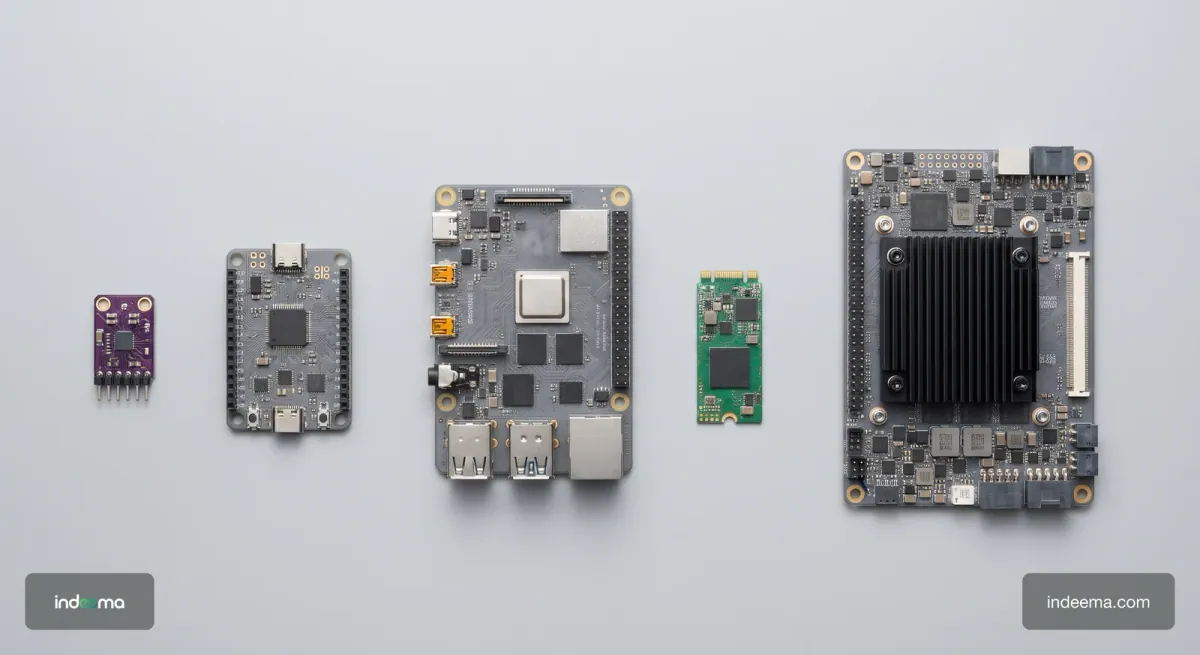
The table is a starting point, not a rule set. A sensor with a built-in ML core can take load off an MCU, and a host with an NPU can still be too slow if the model is converted badly. Each row needs to be checked against your own model before you order boards.
MCU vs NPU vs GPU for an edge device
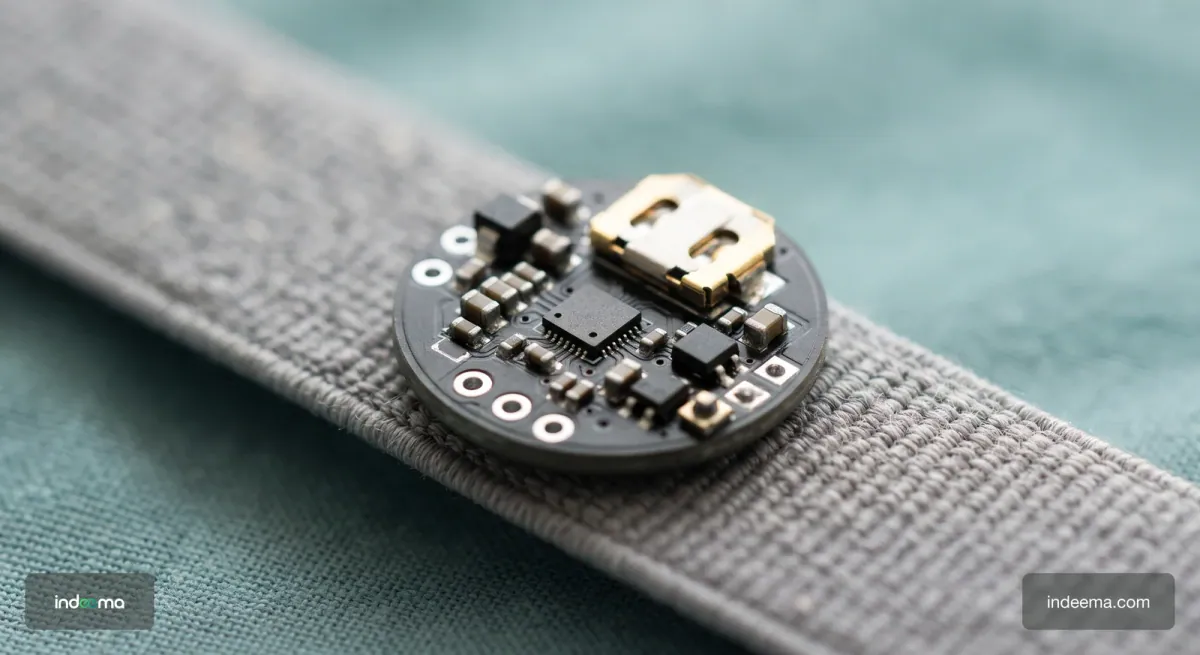
When an MCU is enough. Models that classify short windows of sensor data are small enough for a microcontroller. In one project we went further: we used an ST accelerometer with a built-in machine learning core to detect falls on the sensor chip itself, with no separate processor running the model. The main controller only wakes up when the sensor reports an event, which is what a small battery-powered device needs.
When an NPU pays off. Camera vision is where an MCU stops being an option. Object detection on video needs a Linux host, and the question becomes whether the host can reach the frame rate on its own. When it cannot, an external NPU accelerator next to the host takes the inference, and the host keeps capture, pre-processing and the rest of the application.
When a GPU is justified. An NPU runs a converted, fixed model very efficiently. A GPU module costs more power, but it runs models with less conversion work and handles several models side by side. If the team expects to retrain and change the model often during the project, or to add a second model later, the GPU saves engineering time that the NPU would spend on conversion and tuning.
What we measured on a drone
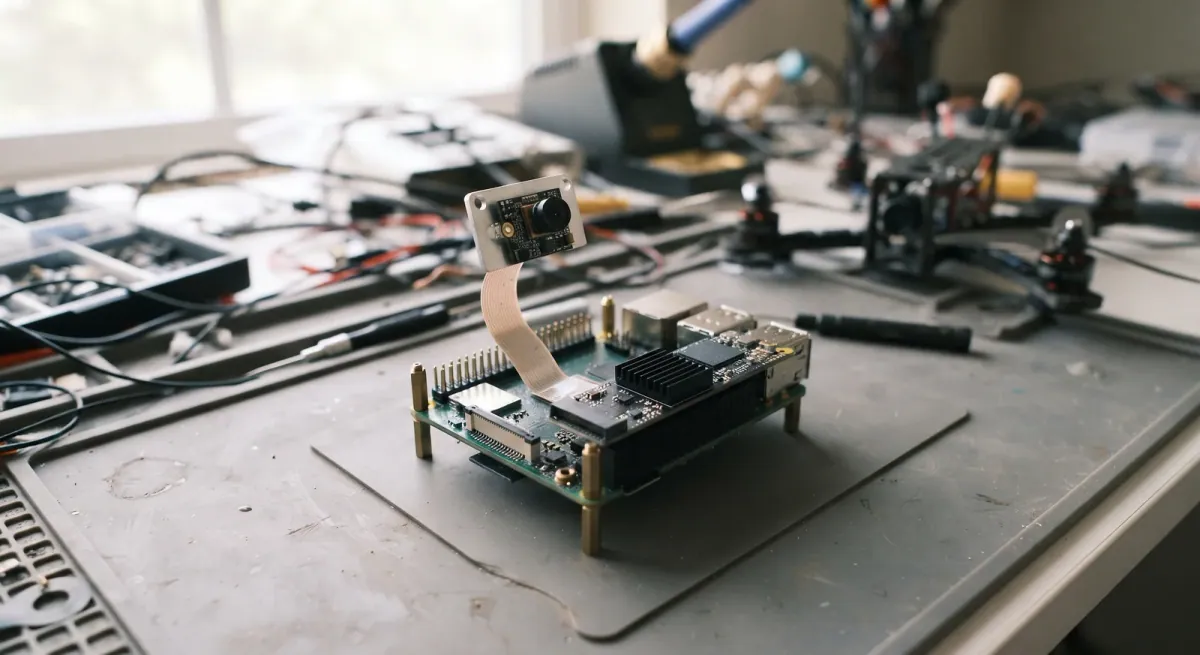
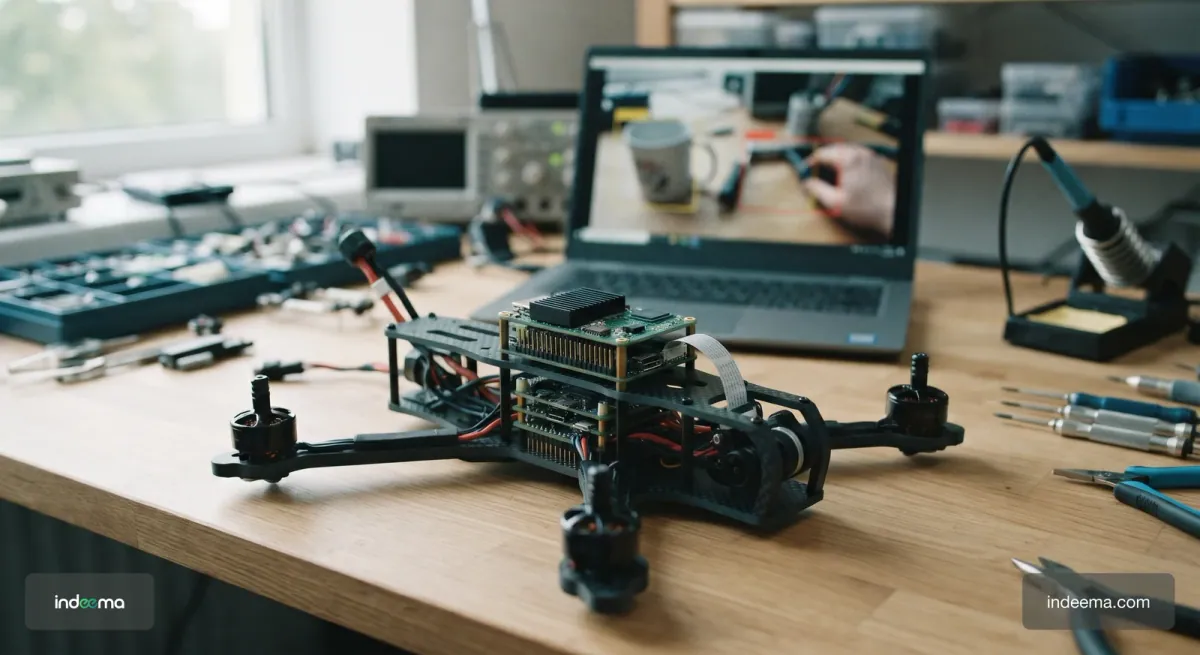
Our connected drone platform uses an ArduPilot-compatible flight controller, an ESP32-S3 IoT module, a Raspberry Pi 5 with a Hailo-8 (26 TOPS) accelerator, and an STM32-based gimbal controller. The vision model runs on the Raspberry Pi and the accelerator; the flight controller stays in charge of stability.
We did not pick the accelerator from a datasheet. We compared performance per watt for the specific model we run. Jetson Orin Nano gave better performance, but Raspberry Pi 5 with Hailo-8 was already good enough for our needs and was a bit easier on the battery for an autonomous system.
With the Raspberry Pi 5 and Hailo-8 we reached 25–30 frames per second from a 720p camera. Separately, end-to-end image processing on the Raspberry Pi and Hailo system takes roughly 100–300 ms. The two numbers measure different things: frame rate is how many frames the system processes each second, while latency is how long one frame takes from camera to result. A vision pipeline can keep up with the camera and still be too slow to react, so check both.
Power put the choice in proportion. The single-board computer and Hailo-8 draw several watts during inference, while the four-motor drive draws hundreds of watts in flight. On a drone, the AI compute is a small part of the energy budget, but on a smaller battery-powered device the same few watts can decide the battery life.
What matters beyond the chip
The accelerator is rarely the hard part. The work that decides whether edge AI hardware succeeds in the field sits around it.
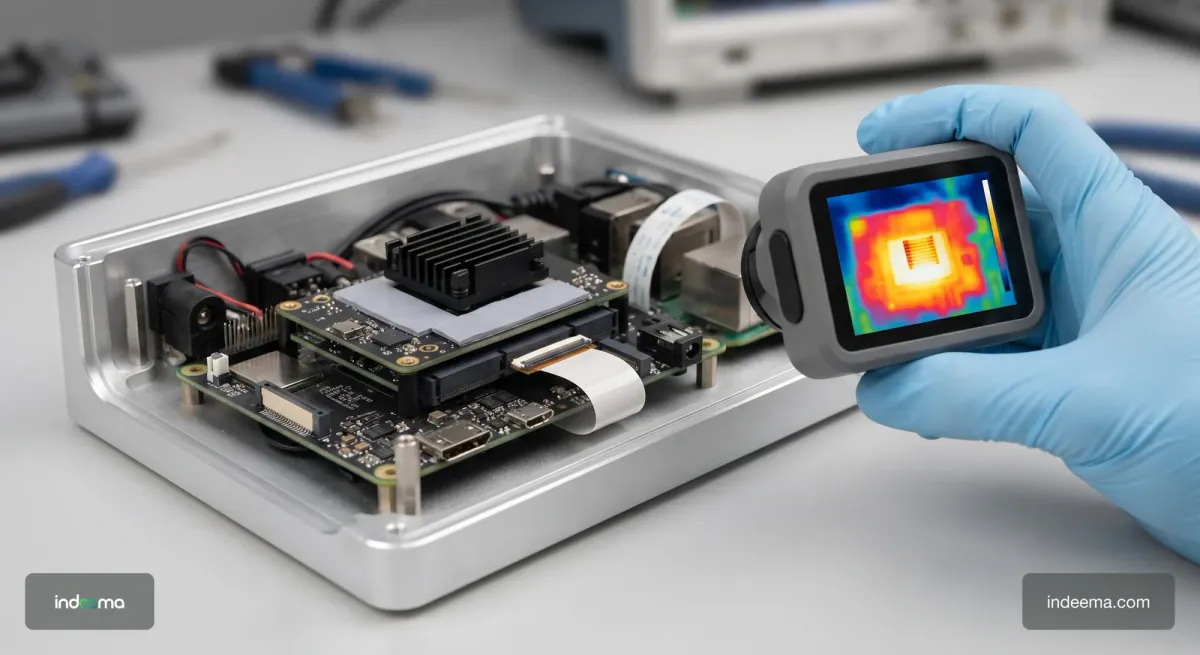
- Thermal design: an accelerator that throttles in a closed housing loses the frame rate you measured on the bench
- Carrier board and camera interface: the camera, the host and the accelerator have to agree on connectors, bandwidth and drivers
- Model conversion and quantization: each NPU has its own toolchain, and accuracy can drop after conversion, so test the converted model, not the original
- Separation from real-time control: AI compute advises, and the controller that keeps the device safe must not depend on it
- Model updates in the field: a signed, rollback-safe way to ship a new model, planned together with the firmware update path
Our AI for IoT team works on these parts together with the hardware choice: model, conversion, carrier board, thermal design and the update path.
Questions to answer before you buy boards
- What must the device decide on its own, and what does a wrong or late answer cost?
- How large is the model, and does it fit the flash and RAM of an MCU?
- What frame rate or sample rate do you need, and what end-to-end latency can you accept?
- What is the power budget, and what share of it can AI compute take?
- Will the model stay fixed after launch, or will you retrain it and add models?
- Have you measured performance per watt with your own converted model on two candidate boards?
- How will a new model reach devices in the field, and how will you roll it back?
If you can answer the first five, the hardware class usually chooses itself. The last two decide whether the device keeps working a year after launch.
Engineering trade-offs
MCU or an ML core in the sensor
- You gain
- Lowest power and cost; the device can sleep until the sensor reports an event.
- You pay
- Only small models on sensor data; little room to grow the model later.
- Choose it when
- Classification on IMU, vibration or audio data with a model that fits in flash and RAM.
Host processor plus external NPU
- You gain
- Vision at a useful frame rate with good performance per watt.
- You pay
- Model conversion for the NPU toolchain; less freedom to change the model.
- Choose it when
- Object detection with a stable model on a battery-powered system.
GPU module
- You gain
- Runs several models and changed models with little conversion work.
- You pay
- More power and heat, and a higher unit cost.
- Choose it when
- The algorithm will keep changing, or several models must run at once.
Common mistakes
Choosing hardware by peak TOPS
The board is fast on paper but slow or power-hungry on your model.
Instead: Measure performance per watt with your own converted model on two candidates.
Buying an accelerator for a sensor-data problem
Extra power, cost and board space for a model an MCU could run.
Instead: Check whether the model fits an MCU or the sensor's own ML core first.
Measuring frame rate only
The system keeps up with the camera but reacts too late.
Instead: Measure end-to-end latency from capture to result as well.
No plan for model updates
The first retrained model cannot reach devices already in the field.
Instead: Design a signed, rollback-safe model update path with the firmware update path.
Questions engineers ask
What is edge AI hardware?
Edge AI hardware is the processor, accelerator or sensor that runs a machine learning model on the device itself. It ranges from microcontrollers and sensors with ML cores to Linux host processors, NPU accelerators and GPU modules.
Which chips are used for edge AI?
Microcontrollers and sensors with built-in ML cores for small models on sensor data, Linux application processors for light vision work, NPU accelerators such as the Hailo-8 next to a host for object detection, and GPU modules such as NVIDIA Jetson when several or changing models must run.
Is an NPU better than a GPU for edge devices?
For a fixed model, an NPU usually gives better performance per watt. A GPU is the better choice when the algorithm will keep changing or several models must run at once, because it needs less conversion work.
Do I need an accelerator for edge AI?
Not always. Small models on IMU or vibration data run on a microcontroller or inside the sensor. An accelerator pays off for camera vision when the host processor alone cannot reach the frame rate you need.
What is the Hailo-8 used for?
The Hailo-8 is an AI accelerator that runs neural network inference next to a host processor. We use it with a Raspberry Pi 5 for object detection on our connected drone platform.
Was this useful?
Where this shows up in our work
ExpertiseAI for IoT & Edge AIChoosing the model, the accelerator and the update path for an AI device?Apply this to your product