

Smart TV app development
Smart TV and streaming apps for the screen across the room
Indeema builds apps for Android TV, Amazon Fire TV and Samsung Tizen: streaming and OTT players, digital menu boards and venue displays, and TV apps for live video and meeting rooms.
We design each one for the remote, test it on the cheap sticks as well as the flagship sets, and take it through store review.
For streaming services, venues and product teams adding a TV screen
Where TV apps get hard
What changes when an app moves to the TV
Five issues come up in almost every TV project, whatever plays on the screen.
Phone layouts fall apart on a TV
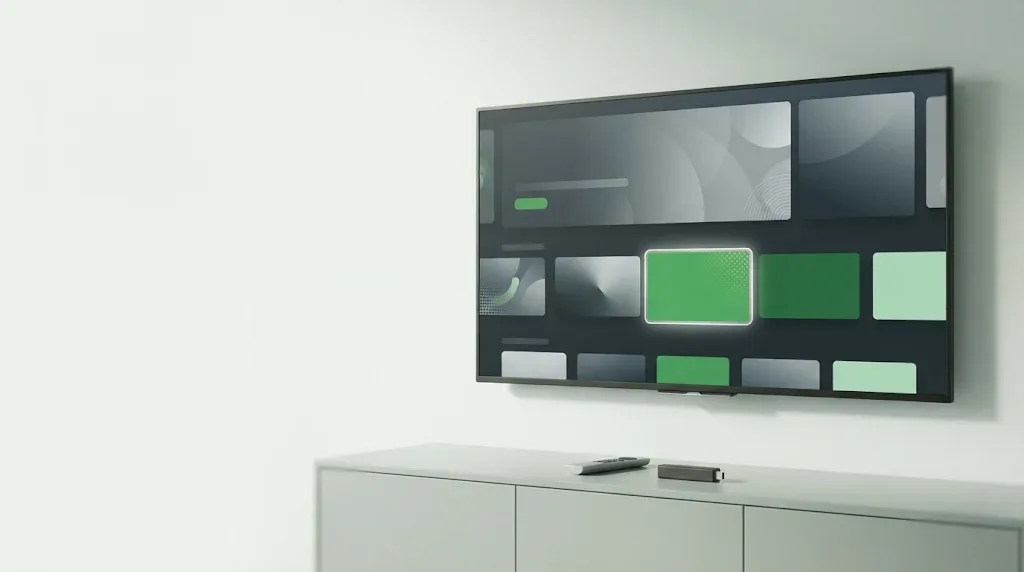
People sit three metres away and hold a remote. Focus, directional navigation and the Back key have to be designed screen by screen.
If viewers cannot find the next step, they leave.
Each TV platform needs its own build
Android TV, Fire TV, Tizen, webOS and tvOS differ in SDKs, players, input and store rules, and viewers spread across all of them.
Every extra platform needs its own plan, build and review.
Ad-supported streaming raises the bar for playback
Free, ad-supported channels and cheaper ad tiers bring ad breaks, program guides and live feeds into the player, on hardware with little memory.
A stall during an ad break costs viewers and revenue.
Accessibility is now a legal requirement in the EU
Since June 2025 the European Accessibility Act covers streaming and TV apps sold in the EU: subtitles, screen-reader support and full remote navigation.
Apps that miss it can be challenged in EU markets.
Venue screens run all day unattended
Menu boards, queue displays and meeting-room TVs must start on their own, recover after a power cut and pick up content changes without a technician.
A blank screen in a bar or a meeting room is noticed at once.
What we build
Apps for streaming, venues and meeting rooms
Streaming, OTT and FAST apps
Live and on-demand video apps with adaptive playback, program guides, ad breaks, accounts and subscriptions, and player controls built for the remote.
Venue screens and digital signage
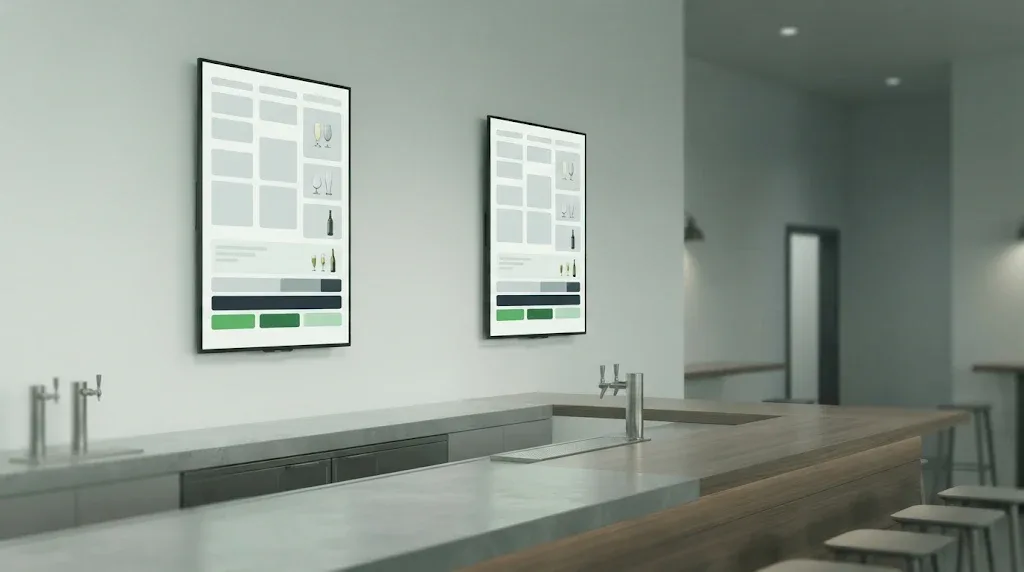
Apps that turn a TV into a menu board, a queue display or a booking screen, with quick setup and content the business edits itself.
Live video and meeting-room TVs
TV apps that show a live broadcast or a room’s call, paired to the room with a short code and driven with the remote. We built this for Indeema Cast.
New TV platforms for an existing service
Taking a service that already runs on the web or on phones to Android TV, Fire TV or Tizen, reusing its back end and accounts.
Our own TV work
Indeema Cast on the TV and in the room
Indeema Cast is our in-house live video platform: phones and cameras feed a program that a producer directs in the browser. We built its TV side ourselves.
A Samsung Tizen TV app
Viewers sign in with the remote, see the broadcasts they are invited to and watch them live over WebRTC.
Meeting-room TVs without a sign-in
A room TV pairs with a short code or QR code. It then shows the room’s call, or a participant’s shared screen when the current presenter approves.
Cast Hub beside the TV
A Raspberry Pi device that brings the room’s audio interface, USB cameras and presentation clicker into the call. The clicker also switches what the TV shows, and the hub’s settings can be changed from the TV remote.
TV apps we have built
Client TV apps in bars, salons and sports venues
These projects were delivered by the Perfsol team, now part of Indeema.
Digital signage · Android TV, Fire TV
BeerMenus TV Menus
- The challenge
- A digital menu platform for bars and restaurants wanted its beer, wine and cocktail menus on Android TV and Amazon Fire TV screens.
- What we built
- Built the TV app from scratch in Kotlin, with two-step setup, landscape or portrait menus, the venue’s own fonts, colors and logo, and slides for events and specials. Helped publish it and supported it after release.
Digital signage · Android TV, Fire TV
Itsbooked TV
- The challenge
- A booking platform for businesses that take both walk-ins and appointments needed its queue display on Android TV and Amazon Fire TV.
- What we built
- Designed the architecture, then built and tested both TV apps in Kotlin to each platform’s interface guidelines, released them and kept maintaining them.
Sports video streaming · Android TV, Fire TV
Camugo
- The challenge
- A video streaming service for coaches and sports analysts needed live games from several cameras on the TV, with replay, marking and analysis.
- What we built
- Built the app with adaptive live playback on a customized ExoPlayer, video editing and drawing over the video, and kept adding features after release.
How a TV project runs
From the first platform to the store and after
Platforms and audience
We agree which TV platforms come first, who watches and where, and what the app must do at launch.
Design for the remote
Screens, focus order, subtitles and playback controls are designed for the remote and checked on real TV hardware.
Build and test on devices
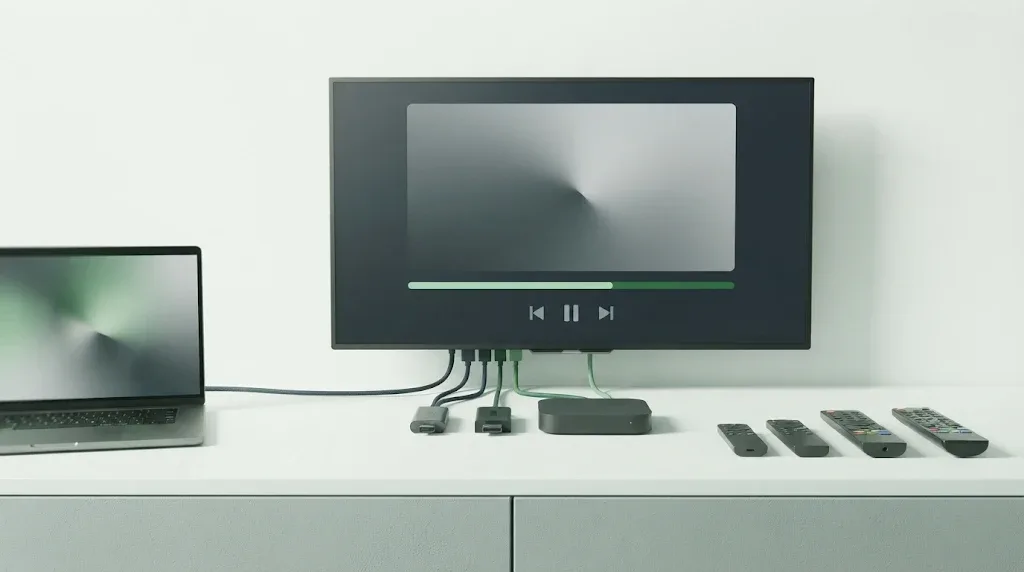
Development runs against the sticks and sets your viewers own, slow ones included.
Store release and support
We prepare each store submission, answer review feedback and keep the app current as devices and OS versions change.
FAQ
Questions teams ask before building a TV app
Which TV platforms do you build for?
We have shipped client apps on Android TV and Amazon Fire TV in Kotlin, with ExoPlayer for video, and our own Indeema Cast app on Samsung Tizen. Apple TV (tvOS) and LG (webOS) each have their own SDK, input model and store review, so we scope them platform by platform.
Can you add a TV app to a service that already exists?
Yes. Most TV projects extend a product that already runs on the web or on phones. We reuse its back end and accounts and design the TV interface for the remote.
Can you build ad-supported or FAST channel apps?
Yes. We plan ad breaks, program guides and live feeds together with playback, and test them on the low-memory devices where problems show first.
How do you handle accessibility?
Subtitles, screen-reader labels, focus order and remote-only navigation are part of the design and the device tests. For apps sold in the EU this is what the European Accessibility Act asks for.
Do you build digital signage and meeting-room TVs?
Yes. Our case work includes menu boards and queue displays on Android TV and Fire TV, and Indeema Cast pairs meeting-room TVs with a short code and connects the room’s audio and cameras through Cast Hub.
Can you support a TV app we did not build?
Yes. We start with a review of the code, the player and the store history, then agree what to fix first.
Bring your app to the TV screen
Tell us what viewers should do on the TV and which platforms come first. We will reply with the questions that shape the scope and the estimate.
Discuss your TV appWhat happens next. Our engineering team reads your enquiry and replies by email. The first conversation covers the product goal, what exists today and the decision you need to make next. If the problem needs it, a discovery phase follows; it does not commit you to building with Indeema. How a first engagement works